
AWS - Serverless

I am a third-year student at UPES, Dehradun, pursuing my bachelor's in Computer Science with a specialization in Cloud Computing.
Set the serverless framework
You first have to set your machine to work as serverless. for that first, you have to create an IAM user name it serverless account and get it programmatic access with admin privileges Note the access key and secret key now go to your terminal window
- npm install -g serverless
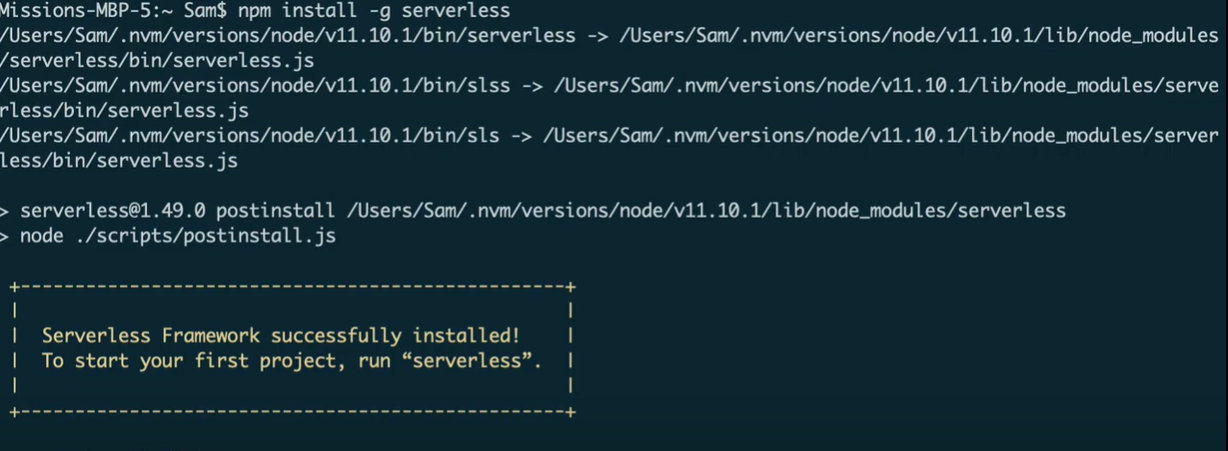
- serverless config credentials --provider aws --key AKIAIOSFODNN7EXAMPLE --secret wJalrXUtnFEMI/K7MDENG/bPxRfiCYEXAMPLEKEY --profile ServerlessUser

Create your first serverless project
Now we will create our first serverless project using AWS and node js. This will be a template project to get started with the AWS Lambda service. Get back to your terminal window and type the following commands
- serverless create --template aws-nodejs --path myServerlessProject
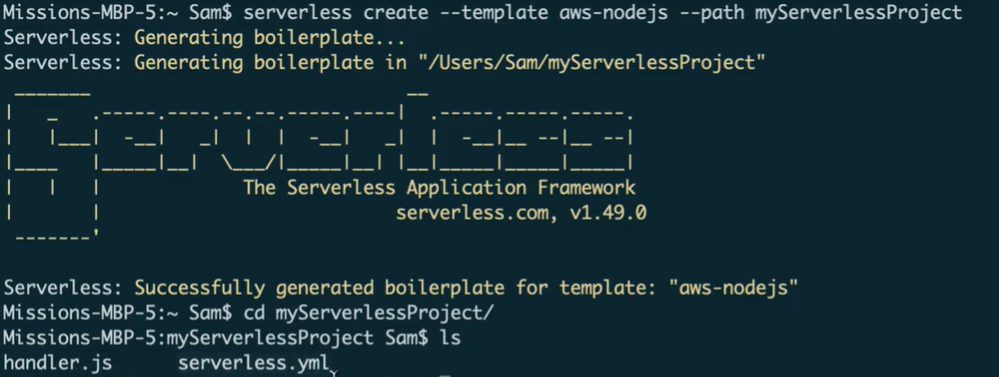
You will get two files in that project the first one is handler.js and the other one is serverless.yml Add your profile name which you have written while writing the credentials in the serverless.fml file
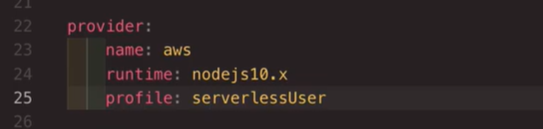
Now open your terminal in the same directory and write
- sls deploy
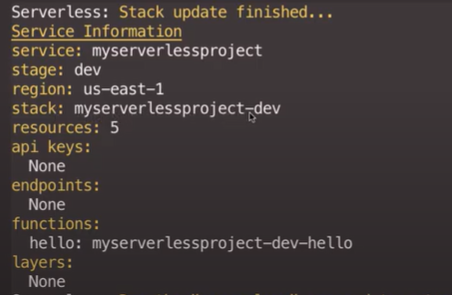
To check all this get back to your AWS account and in the console find the Lambda service. There you will find a new function named "myServerlessProject"
